Localizing Software Interfaces Without Breaking the Layout.
12 November, 2026· Article by Alex Reed
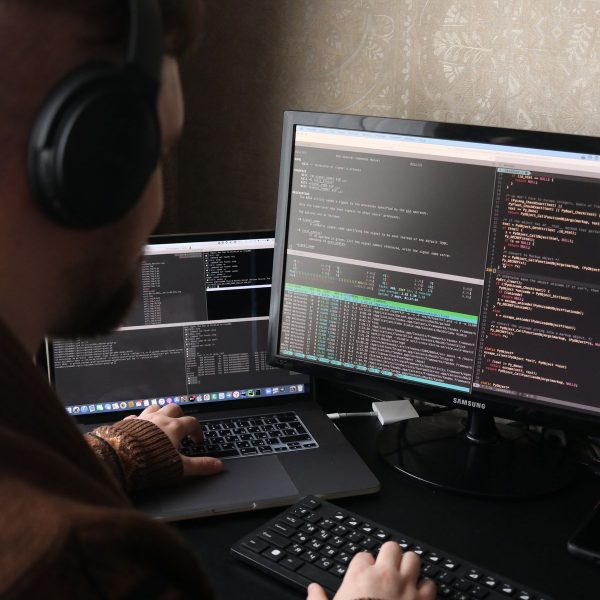
A software company ships a new version of its application in six languages and receives complaints within a day because the button labels overflow their boxes and a warning message appears cut off in the middle of a sentence. The code was clean and the original text was clear but the translated strings were longer than the space designed for them and nobody had tested the layout before release.
Software text is different from a brochure because every string lives inside a button or a menu or an error message and so its length and its placeholders matter as much as its meaning. A translation that reads well on paper but ignores the limits of the screen can break an interface and leave users unsure what a button will do.
Many teams still export the strings on the day before release with no context and no screenshots and then discover that the same word was translated three ways because it appeared as a verb in one place and as a noun in another. The better habit is to give translators the screens and the character limits and the notes on every placeholder before a single string is translated.
The good news is that this does not need a large budget because a few screenshots and a short style guide and one test build with the translated text solve most of the problems that appear when software crosses a border. A consistent interface also reduces the number of support requests after launch.
This article explains how to localize a software interface without breaking the layout and it covers what to prepare before translation and how to handle a few languages that product teams often need and where to find public reference material on the subject. It is general information and it does not replace the advice of a qualified software engineer.
Give Translators the Screens First
The first step is to send the strings together with screenshots and notes on where each text appears so that the translator can choose a word that fits the space and the situation. Products that launch in Central Asia often order Kazakh translation services for the interface and the help pages so that users see familiar terms from the first screen they open.
Developers who prepare these builds increasingly test AI code editors to extract strings and flag hard coded text quickly and then send the clean files to a human linguist who checks every label in context before the release.
Test Length and Placeholders in Every Language
Polish translation services are useful for products that launch in Poland because the language changes word endings according to grammar and a label or a message in the wrong form looks careless to users who notice every detail. Placeholders for names and numbers also behave differently from one language to another and so a sentence that works in one version can look broken in another unless it is tested.
Each language needs a short checklist that covers length and plural forms and date formats so that nothing in the interface changes meaning from one version to another and Polish translation services should follow the same list. Kazakh translation services follow the same method for Central Asia while Uzbek translation services and Kyrgyz translation services help teams that launch in neighbouring markets and a native reviewer can confirm that every label sounds natural to a local user.
Do Not Forget the Smaller Markets
Many product teams treat the Romanian language as a minor request even though Romania has a large community of developers and its users prefer to read menus and messages in their own tongue. A release that offers the Romanian language for its interface and its documentation can reach customers who would otherwise depend on a rushed second hand version. Our page on technical translation explains what to check in documents that engineers rely on and for a clear overview of the field the localization entry describes how software is adapted for different regions.
The Romanian language also uses special letters that break in some fonts and in some encodings so every label and every error message should be tested at its final size and checked letter by letter before release. Uzbek translation services and Kyrgyz translation services meet similar challenges with their own characters and the user interface entry shows why clear labels matter for every kind of user.
Interfaces are only half the story, since every market launch also needs manuals, help pages and legal notices that read naturally in the local variant, and ordering document translation services from a team that knows the difference between European and Brazilian Portuguese keeps those files consistent with the interface. A document translator checks terminology against the glossary, so the word used on a button matches the word in the manual and in the warranty. This matters most for safety warnings, payment terms and privacy notices, where a wrong variant can confuse a reader or fail a local requirement. Keeping the documents and the interface strings in one shared glossary also speeds up each new release, since only the changed passages need fresh review.
Keep One Glossary for Every Release
A short glossary of the terms that appear in nearly every product such as account and settings and upload and notification should be written before the next release so that every translator uses the same word for the same idea. Developers and designers and the person who manages the product can share it so that the message stays consistent in every language.
Reviewing the glossary after every release lets the team add the questions that users actually asked and a coordinator who knows Kazakh translation services and the Romanian language can update the list so that the words stay accurate and clear. Polish translation services and Uzbek translation services and Kyrgyz translation services can follow the same list and over time it becomes a small asset that the company can reuse for every new product.
An interface that feels native in every language protects the work of the people who built it and that quiet care is what lets software cross a border without confusing the people who use it.
Recent Posts
Manuali Tecnici Tradotti Senza...
Memorias de Traducción para D...
Diagramação de Manuais Técn...

Scientific Translation and the...

Technische Dokumentation über...
Traduction scientifique, publi...
Share it.
Links
We use cookies
We use cookies to give you the best online experience, remember your preferences, and understand how the site is used. You can accept all cookies, reject optional ones, or choose which categories to allow.
Privacy PolicyCookie preferences
Choose which cookies we can use. Necessary cookies stay on because the site cannot work without them.
For more details, read our Privacy Policy.